
How to Buy Telegram Stars: A Step-by-Step Guide (2026)
Last updated: October 2026
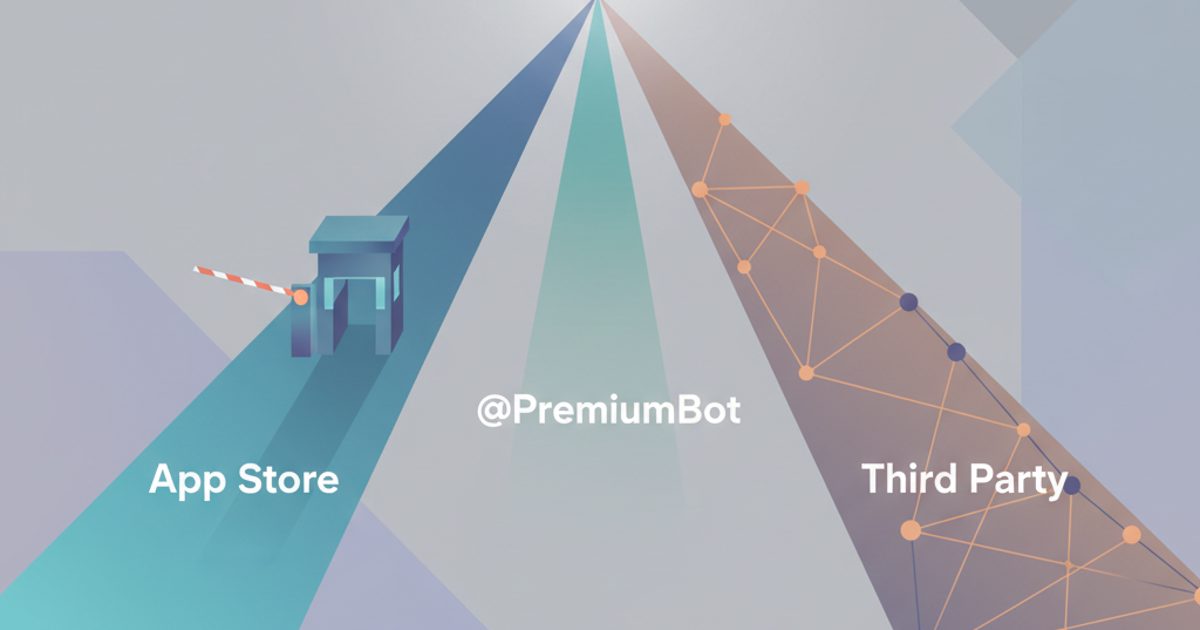
You can buy Telegram Stars through in-app purchases or get them for less using Telegram's official @PremiumBot. For example, 100 Stars cost approximately $3.09 via in-app purchase but only about $2.18 through the bot. This price difference exists because the bot avoids app store fees. Telegram Stars are a virtual currency used to pay for digital goods and services from bots or to tip creators within the app, introduced in June 2024.
Telegram Stars: A virtual currency within the Telegram app. Users can purchase Stars with real money and spend them on digital items, services from bots, or to support content creators in channels. Why it matters: Stars create a direct way for developers and creators to earn money on Telegram, which has over 900 million monthly active users.
This guide provides step-by-step instructions for all official purchase routes. In-app purchases are easy but include a platform fee from Apple or Google that Telegram passes on to the buyer. In contrast, using @PremiumBot bypasses this fee, offering a lower price for the same number of Stars. Here, we cover the process for each, compare the costs, and explain how to use your Stars.
Key Takeaways
- Use the official @PremiumBot to get the lowest price on Telegram Stars by avoiding app store fees.
- In-app purchases through Apple or Google are faster for small amounts but cost about 30% more.
- Stars are a virtual currency used to pay for digital goods, bot services, or to tip creators in channels.
- Your Star balance is permanently tied to your Telegram account and does not expire.
- Third-party services can offer bulk purchases and alternative payment methods like cryptocurrency.
How do the purchase methods compare?
Choosing how to buy Telegram Stars involves a trade-off between ease and cost. The main difference is the fee charged by mobile app stores. Both Apple and Google take a commission on in-app purchases. As a result, Telegram created a direct-purchase method to bypass this fee.
| Method | Platform Fee | Payment Methods | Best For |
|---|---|---|---|
| In-App Purchase (iOS) | ~30% | Apple ID Balance, Credit/Debit Card | Maximum convenience for small amounts |
| In-App Purchase (Android) | ~30% | Google Play Balance, Credit/Debit Card, PayPal | Convenience on Android devices |
| @PremiumBot | 0% | Credit/Debit Card (via Telegram's payment providers) | The most cost-effective official method |
| Third-Party Panels | Varies | Crypto, Bank Transfers, various local options | Bulk purchases, resellers, alternative payments |
How do I buy Telegram Stars step-by-step?
Before you start, ensure your Telegram app is updated to the latest version. You will also need a valid payment method set up for either your device's app store or for direct card payments.
Method 1: In-App Purchase (iOS & Android)
The in-app purchase method is the most built-in but also the most expensive due to app store fees. The process starts when you try to spend Stars you do not have.
- Find a Bot or Channel: Go to a bot or channel that accepts Stars for payments or tips.
- Start a Purchase: Tap the button to buy a digital good (like an e-book) or use a feature powered by Stars.
- Select 'Top Up Stars': If your balance is too low, Telegram will show a prompt to buy more Stars. Tap it to continue.
- Choose a Star Pack: A list of available Star packages and their prices (including the platform fee) will appear. Select the one you want.
- Confirm with App Store/Google Play: Confirm the transaction using your device's standard in-app purchase flow, such as Face ID, a fingerprint scan, or your app store password. The Stars are added to your balance immediately.
Method 2: Using @PremiumBot
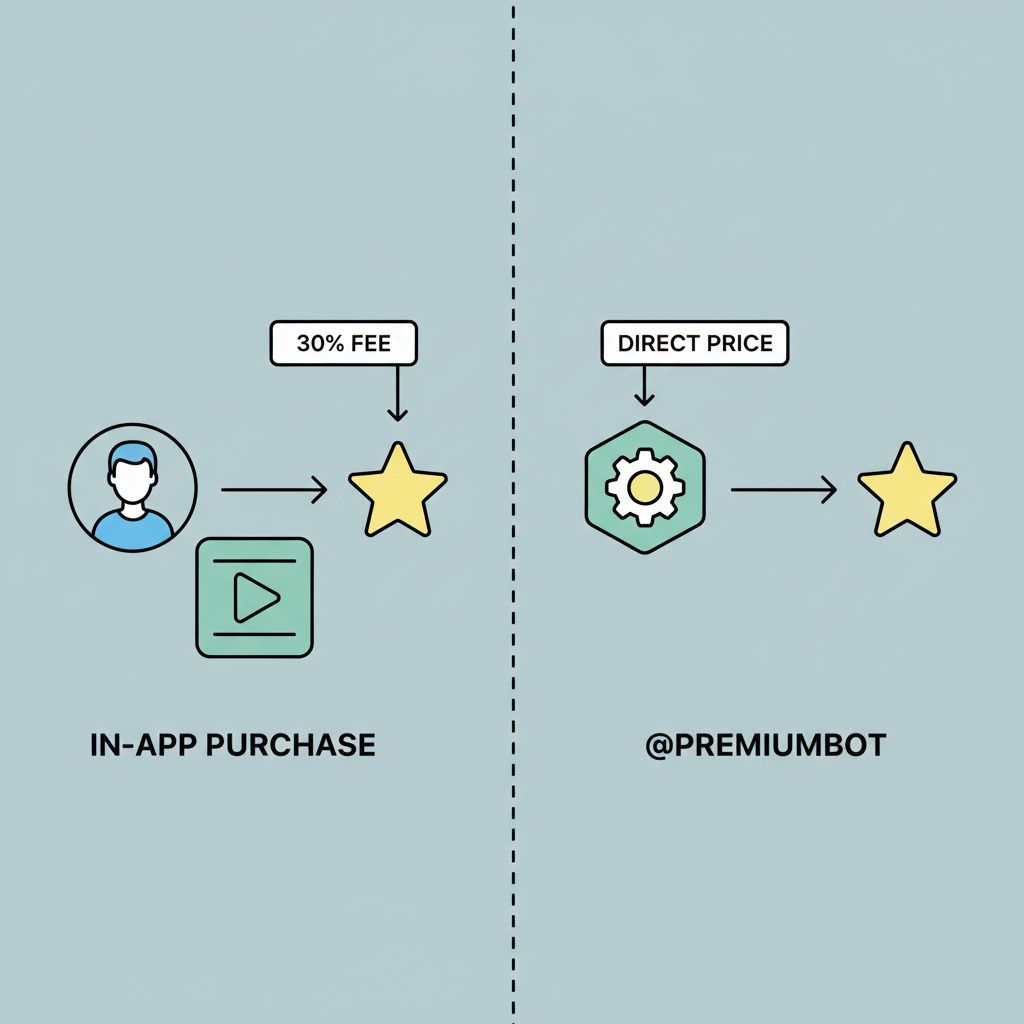
Using @PremiumBot is Telegram's official method for buying Stars and other premium features directly, bypassing the 30% app store commission. It offers the best official price.
- Start a Chat with @PremiumBot: Use the Telegram search bar to find
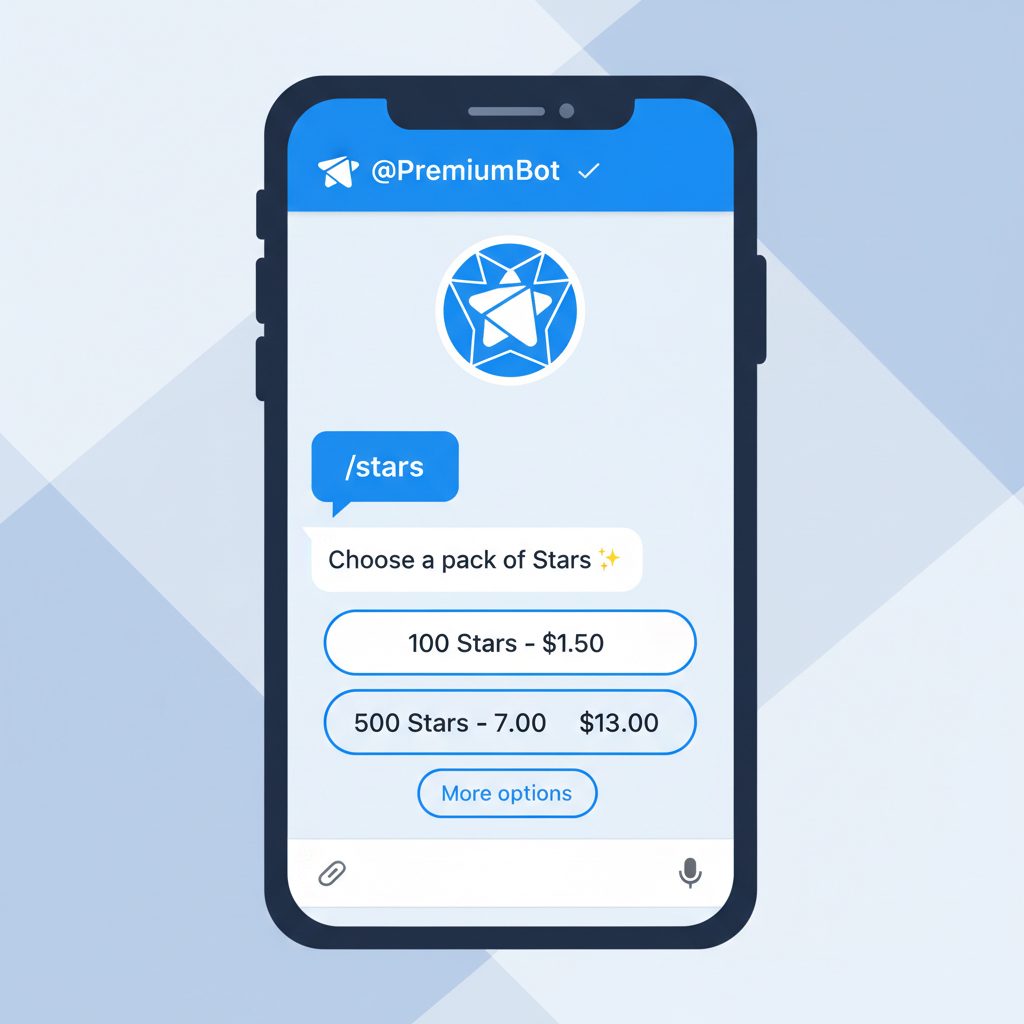
@PremiumBot(it has a blue verification checkmark) and start a new chat. - Send the /stars Command: Type and send the
/starscommand to the bot. - Select a Package: The bot will reply with a list of Star packages and their prices, which are lower than the in-app purchase prices. Choose the quantity you need.
- Enter Payment Details: Tap the "Pay" button. Telegram will open a secure, built-in interface to enter your credit or debit card details. Certified payment providers handle this process.
- Complete the Purchase: After confirming the payment, the Stars will be credited to your account. You can check your balance by sending the
/starscommand again.
With Stars, bot and mini app developers can now accept payments for their digital services from hundreds of millions of Telegram users.
Where TgFather Fits In
For most users, buying Stars via @PremiumBot is the best choice. However, some operators have needs that official channels do not meet, such as requiring large quantities or payment methods not available through Telegram. For these cases, TgFather provides a service to buy Telegram Stars using a wider range of cryptocurrencies.
The TgFather service is designed for resellers, marketing agencies, and large-scale operators who need to acquire Stars automatically or in very large volumes. For standard, small-volume purchases, using @PremiumBot remains the most direct and cost-effective method. Our platform offers a different tool for a different job, focusing on bulk availability and payment flexibility.
Why is the price different across platforms?
The price difference between in-app purchases and @PremiumBot is not random. It comes directly from the business models of mobile application stores.
When you buy Stars inside the iOS or Android app, you are paying for the Stars plus this mandatory commission. By contrast, when you use @PremiumBot, you are using a direct payment system that does not involve Apple or Google as middlemen. This allows Telegram to sell you the Stars at their base price. For a deeper analysis of the economics, see our guide on what Telegram Stars actually cost and how creators can withdraw their earnings as Toncoin (TON).
Common Issues and Troubleshooting
Even with a simple system, payment issues can occur. Here are the most common problems and their solutions.
- Payment Declined: This is usually an issue with your bank or card, not Telegram. Check that you have enough funds, that your card has not expired, and that your bank has not blocked the transaction. Some banks flag international payments, which requires you to pre-authorize the purchase.
- Stars Not Appearing in Balance: If a purchase is successful but your Stars do not appear, first try restarting the Telegram app. If they still have not been credited after a few minutes, contact Telegram Support. For purchases made via @PremiumBot, you can start a support request directly within the bot.
- Region Restrictions: In some countries, payment methods or the ability to buy Stars are restricted due to local regulations. If @PremiumBot payments fail, the in-app purchase method is often your only alternative.
FAQ
Can I buy Telegram Stars with crypto?
Officially, Telegram's @PremiumBot only accepts credit/debit cards. However, many third-party providers and SMM panels allow you to buy Stars using cryptocurrencies like USDT, BTC, or ETH. This is a common practice for those seeking alternative payment methods. You can learn more about this in our guide on buying Stars with crypto.
Are Telegram Stars refundable?
According to the Telegram Stars Terms of Service, all purchases of Stars are final and non-refundable. Once acquired, they can only be spent within the Telegram app. This policy is standard for most virtual currencies on digital platforms.
What is the cheapest way to buy Telegram Stars?
The cheapest official way is by using the @PremiumBot, as it avoids the 30% commission charged by Apple and Google. Third-party services may sometimes offer slightly lower prices, especially for bulk orders, but @PremiumBot is the most reliable and secure method for direct, low-cost purchases.
Do Telegram Stars expire?
No, Telegram Stars do not have an expiration date. Once purchased, they are added to your account's balance and remain there until you spend them on digital products, services from bots, or as tips to channel owners. Your Star balance is persistent.